Free Online PDF to JPG Converter
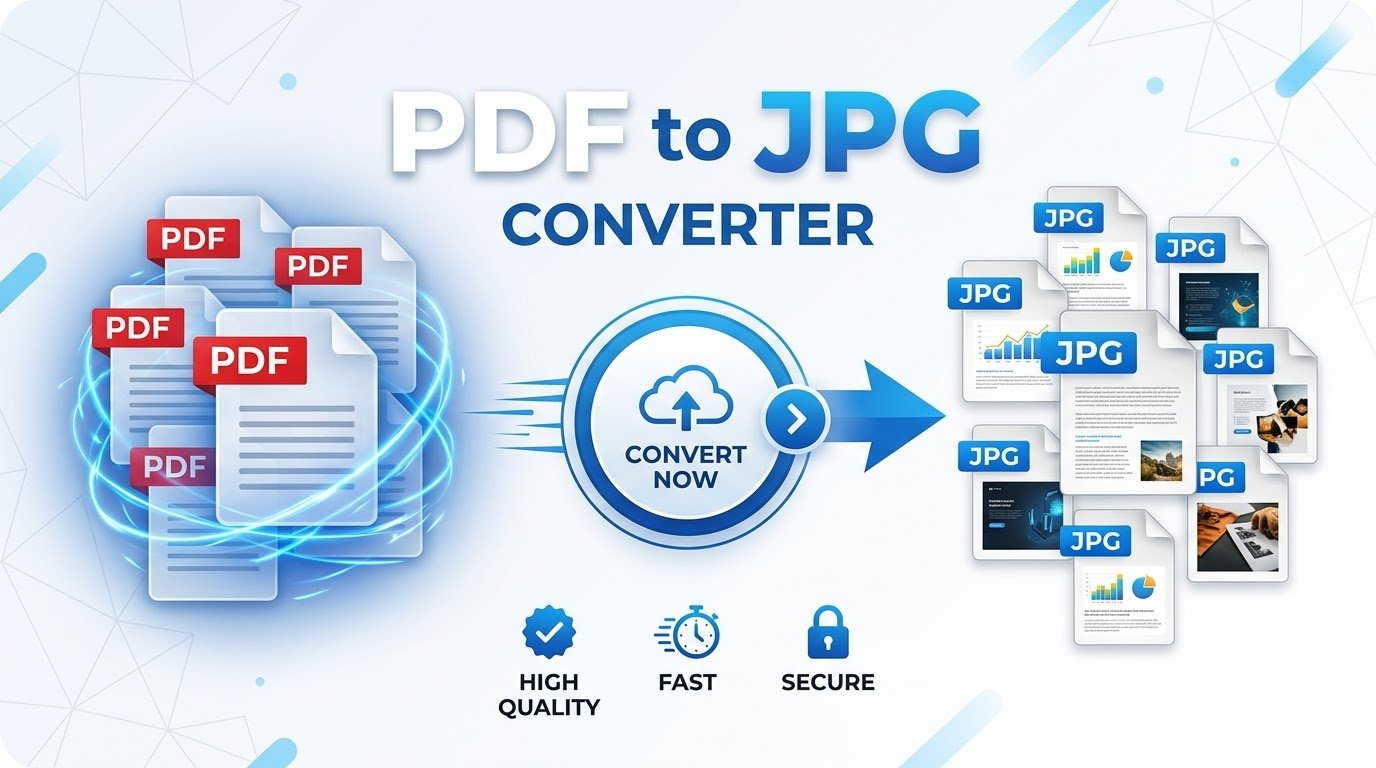
Turn your PDF pages into crystal-clear JPG photos directly in your browser. Fast, free, completely private, and with zero file uploads.
Choose a PDF or drag it here
Extract single pages or entire documents into high-resolution JPG files.
Rendering pages…
Processing locally in your browser
document.pdf
0 Pages • 0 MB
How to Convert PDF to JPG Online in 3 Simple Steps
Our free PDF to JPG converter simplifies document conversion without software downloads or registrations.
Select Your PDF
Drag and drop your document into the conversion zone or click browse. The file loads directly into your local browser memory with zero server lag.
Choose DPI & Quality
Configure resolution options from standard (1x) to ultra-crisp (2x). Adjust the JPG compression percentage to match your target file size needs.
Save Single JPGs or ZIP
Inspect individual pages in the full-screen modal, download specific pages, or click one button to generate a clean, bundled ZIP archive.
Why Use This Browser-Based PDF to JPG Converter?
Discover the benefits of in-browser client-side conversion compared to cloud upload tools.
100% Confidential
Your files never leave your device. Banking statements, contracts, and confidential records stay safe.
Instant Rendering
No upload waiting times or conversion queues. High-speed local processing driven by Mozilla PDF.js.
High DPI Sharpness
Render text, vector graphics, diagrams, and photos in crystal clarity up to 2x Ultra scale.
No Limits or Fees
No arbitrary file size limits, daily conversion throttles, or mandatory email registration required.
Understanding PDF vs. JPG: Which Format Should You Choose?
Portable Document Format (PDF) and Joint Photographic Experts Group (JPG or JPEG) serve fundamentally distinct roles in modern digital document management. A PDF is an encapsulated, containerized document format engineered to lock down complex typography, scalable vector art, embedded fonts, and multi-page layouts across any operating system or printer hardware. While this rigid fidelity makes PDF the global gold standard for contracts, academic papers, and official receipts, it introduces friction when attempting to share visuals across digital channels.
JPG, in contrast, is the universal standard for digital images and photography. Because JPG files are lightweight, compressed raster graphics, they can be uploaded instantly to Instagram, LinkedIn, Discord, and websites without requiring dedicated PDF reader software. Converting a PDF to JPG solves several day-to-day workflow bottlenecks:
Upload document pages directly as carousel slides, blog post banners, or product previews.
Insert crisp document excerpts directly into PowerPoint slides, Google Docs, or Keynote presentations.
Image viewers load raster JPG graphics instantly on low-powered mobile devices without memory overhead.
Client-Side Processing Explained: Why Privacy-First Architecture Matters
Most conventional online file conversion services operate on a cloud-based server architecture. When you upload a tax form, medical record, legal agreement, or financial invoice to those platforms, your file travels across external internet conduits to a third-party server farm. Even if those services promise automated deletion, your confidential corporate or personal data is temporarily exposed to external transmission logs, server-side caching, and unauthorized third-party inspection.
This system operates on a completely different paradigm known as client-side computing. Utilizing Mozilla’s high-performance PDF.js engine and modern HTML5 Canvas rendering APIs, your device’s local CPU and GPU process every byte of information directly inside your browser’s sandbox memory. The file never leaves your computer or phone. No network packets containing your document are transmitted across the web. This makes our private PDF to JPG converter ideal for regulated industries, accounting professionals, healthcare practitioners, and security-conscious individuals who must maintain strict compliance with data privacy mandates such as GDPR and CCPA.
DPI, Resolution, and Compression: Getting the Perfect Balance
Rasterizing vector text into digital pixels requires finding the sweet spot between visual fidelity and storage size. When you convert vector-based PDF files, the text remains mathematically sharp until rendered onto an image canvas. Our tool gives you granular control over resolution scaling:
Ideal for email attachments, quick visual references, messaging apps, and rapid web previews where keeping file size under 500 KB per page is paramount.
The optimal balance for full-screen desktop presentations, tablet slide decks, and digital portfolio showcases. Fine lines and small body fonts remain crisp without ballooning storage.
Designed for archiving, high-resolution graphic design, and physical printing. At this scale, vector strokes, intricate architectural schematics, and fine typography render with razor-sharp precision.
Pair these scale options with our JPG quality slider (ranging from 50% to 100%). Setting quality between 85% and 92% yields near-lossless visual fidelity while cutting storage demands by up to 60% compared to raw uncompressed graphics.
Best Practices for Converting Scanned and Complex PDFs
Not all PDF documents are constructed identically. Digital-native PDFs created from software like Microsoft Word, Adobe InDesign, or Canva contain crisp vector geometry, which translates into immaculate JPG graphics at any scale. In contrast, scanned paper documents consist of embedded raster bitmaps created by physical scanner sensors.
To achieve superior results when converting scanned files, select the 2x Ultra scale setting to avoid pixelation or blurred artifacting around scanned text. If your multi-page PDF contains dozens of pages, utilize our selective download feature to extract only the relevant sheets rather than inflating your storage drive with unneeded files. For large batch exports, this online PDF to JPG converter bundles all generated JPGs with chronological file numbering, ready for immediate archiving or team distribution.
Frequently Asked Questions
Everything you need to know about converting PDF pages to JPG photos.
Is my PDF uploaded to a server?
No, never. Unlike conventional services that send your files to external cloud servers, our PDF to JPG converter processes everything 100% locally on your computer or mobile device using Mozilla’s PDF.js library. Your files remain completely secure and strictly private.
Can I convert multi-page PDF documents into JPG?
Yes. Every page of your PDF is extracted and rendered as an independent JPG image. You can selectively choose individual pages to download or download all pages at once as a single, organized ZIP file.
How do I get the highest resolution possible?
In the settings bar above the image preview grid, choose the 2x Ultra resolution scale and increase the JPG quality slider to 95% or 100% before downloading. Then click Re-Render to generate high-resolution images.
Are there any limits on file size or number of pages?
There are no artificial limits, paywalls, or usage quotas. Because your device’s browser handles the processing, performance depends solely on your computer or phone’s memory.