Split PDF Files Online in Seconds
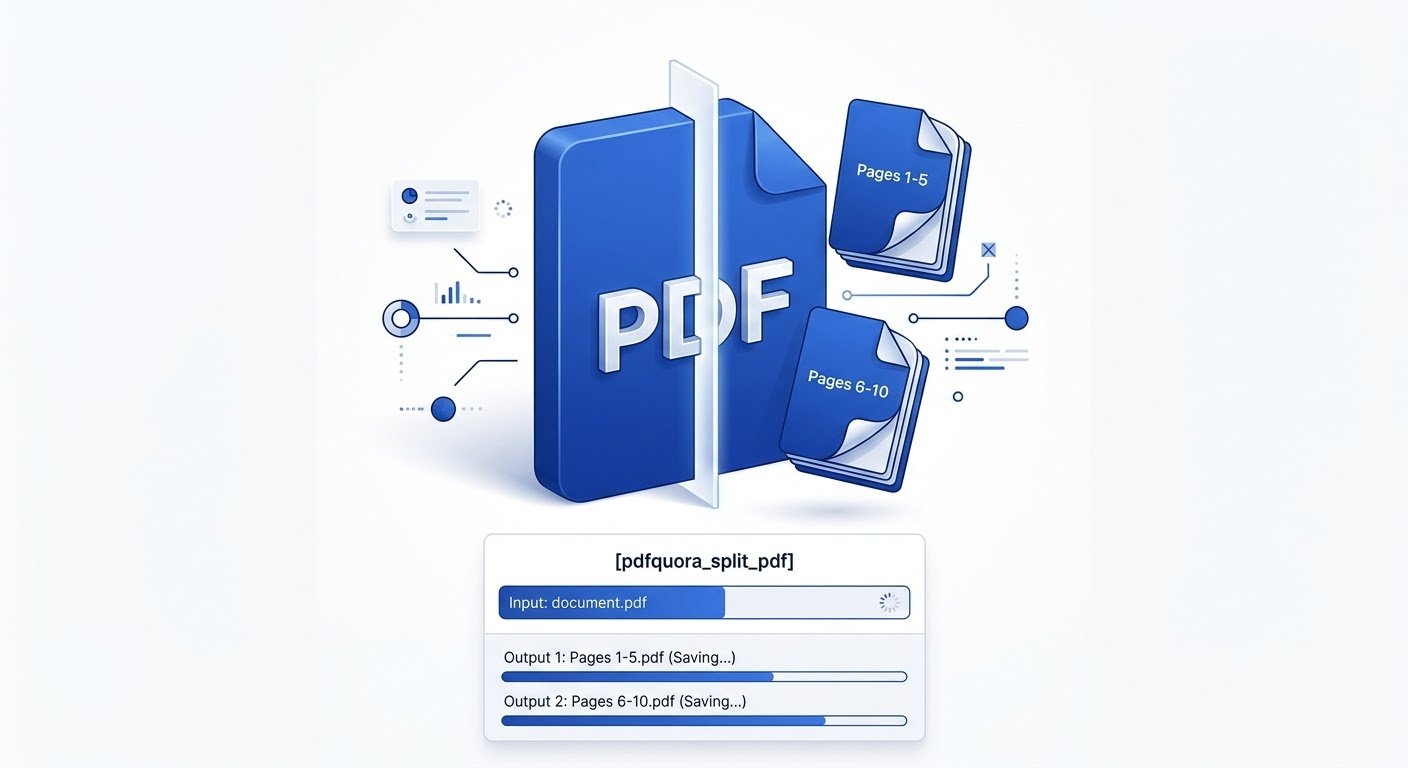
Extract specific page ranges, separate chapters, or turn each page into a brand-new PDF document with zero quality loss.
or click anywhere to browse from your device
Select PDF DocumentFiles are processed locally on your device.
How to Split PDF Pages Online
Divide your documents in three simple, intuitive steps.
Upload Your PDF
Drag and drop your file into the splitter above or select it from your device.
Select Your Pages
Enter target page ranges (e.g., 1-4, 7-10) or choose to separate every individual page into its own document.
Download Results
Click split and download your extracted PDF files right away as individual files or combined in a single ZIP.
Why Use Our Split PDF Tool?
Built for speed, simplicity, and rock-solid privacy.
Instant Processing
Splits large documents in seconds without slowing down or making you wait in a queue.
Guaranteed Privacy
End-to-end encrypted transfer.
Cross-Device Ready
Runs in any modern web browser across Windows, macOS, Linux, iOS, and Android.
Zero Quality Loss
Fonts, vectors, and hi-res graphics are preserved exactly as in the original source file.
Popular Ways to Split PDF Documents
Separate by Custom Page Ranges
Break lengthy ebooks, technical manuals, or company reports into individual chapters or modules for targeted distribution.
Extract Specific Single Pages
Isolate an individual invoice, signature page, or tax receipt from a batch PDF scan without exposing confidential surrounding records.
Discard Unwanted & Blank Pages
Select only the active content pages you want to keep and cleanly leave blank sheets, outdated covers, or draft notes behind.
Frequently Asked Questions
Everything you need to know about splitting PDF documents.
Is it completely free to split PDF files?
Yes, our PDF splitter is completely free. There are no daily usage limits, watermarks, or credit card requirements.
Are my uploaded documents secure and private?
All transfers are protected via end-to-end SSL/TLS encryption.
Can I split non-consecutive pages or custom ranges?
Yes. You can enter specific commas and hyphen ranges (e.g., 1-3, 5, 8-12) to extract whichever pages you need into distinct files.
Will splitting my PDF reduce its original quality?
Not at all. The tool extracts internal page data without re-rendering or compressing visuals, ensuring images, vector paths, and fonts remain 100% crisp.
. .