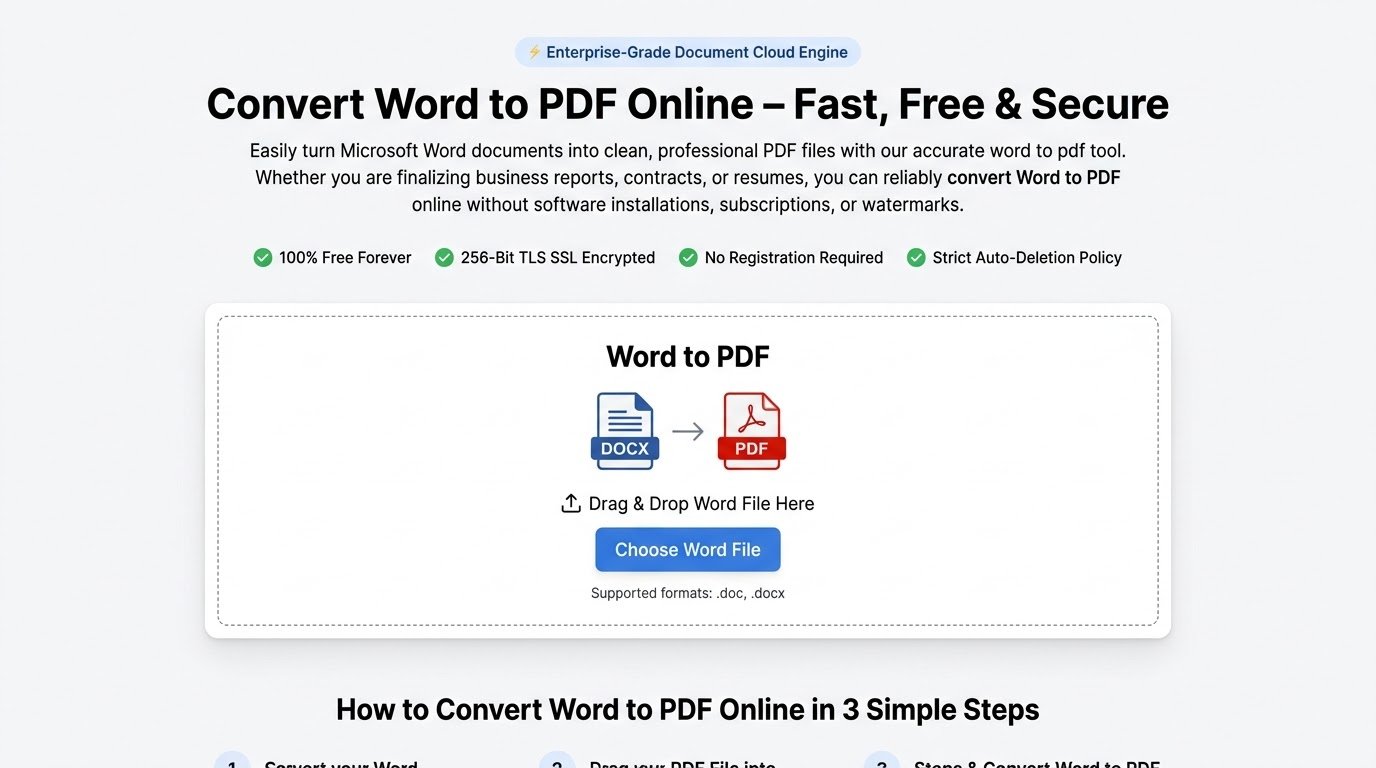
Convert Word to PDF Online – Fast, Free & Secure
Easily turn Microsoft Word documents into clean, professional PDF files with our accurate word to pdf tool. Whether you are finalizing business reports, contracts, or resumes, you can reliably convert Word to PDF online without software installations, subscriptions, or watermarks.
Drop your Word file here
or
.docx files only (Max 25MB)
How to Convert Word to PDF Online in 3 Simple Steps
Converting office documents should take seconds. Follow our streamlined 3-step workflow:
Upload Your Document
Drag and drop your .doc or .docx file into our free word to pdf converter, or click to choose a document stored on your phone, laptop, or desktop.
Automatic Processing
Your device will immediately analyze and convert docx to pdf, locking your exact fonts, tables, page breaks, margins, and embedded vector graphics in place.
Instant Download
Once the word to pdf conversion finishes, click the download button to grab your optimized, universally shareable PDF document immediately.
Why Choose Our Free Word to PDF Converter?
Engineered for professionals who need pixel-perfect rendering and military-grade privacy.
Convert DOCX to PDF with 100% Fidelity
Avoid broken layouts, missing fonts, and shifted margins. When you convert docx to pdf with our engine, your document renders identically to Microsoft Office Word.
Fast and Secure Word to PDF Processing
Powered by fast on-device processing, every word to pdf conversion executes in under 4 seconds. End-to-end TLS encryption keeps all transferred files safe.
Cross-Platform On-Device Compatibility
Our free word to pdf converter works directly in your web browser. You don’t need to install desktop software whether on macOS, Windows, iOS, Android, or Linux.
Automatic File Shredding
We take zero retention seriously. Files uploaded for conversion are strictly isolated, never read or indexed by third parties.
Common Use Cases for Converting Word to PDF
Discover how various industries rely on PDF conversion to maintain document authenticity.
Resumes & Job Applications
Submitting a resume in Word format often leads to awkward layout changes on recruiters’ computers. When you convert Word to PDF online, your fonts, bullet points, and headers stay firmly in place for Applicant Tracking Systems (ATS).
Contracts & Legal Agreements
Legal documents demand strict content integrity. When you convert docx to pdf, you create a read-only snapshot that protects agreements and signed clauses from unintentional or malicious edits.
Academic Dissertations & Research
Ensure that intricate academic formatting—including APA, MLA, or Chicago citations, footnotes, math equations, and diagrams—renders correctly by using our word to pdf conversion system.
Client Invoices & Financial Proposals
Deliver professional price quotes, statements of work, and billing invoices. Our free word to pdf converter ensures numbers, tables, and branding look sharp on both mobile screens and desktop monitors.
Technical Specifications & Processing Limits
Clear technical standards for smooth, high-volume file transformation.
DOC vs. DOCX vs. PDF: At a Glance
Understanding format differences helps you choose the right medium for every stage of your workflow.
| Evaluation Criteria | Microsoft Word (.doc / .docx) | Standard PDF (.pdf) |
|---|---|---|
| Primary Purpose | Collaborative authoring, real-time drafting, and iterative edits | Universal publishing, formal archiving, and signature execution |
| Visual Consistency | Layout may distort depending on Microsoft Office version or fonts installed | Guaranteed 100% visual parity across every device, browser, and OS |
| Security & Modification | Editable by default; tracking can be manipulated | Supports digital encryption, watermarks, certificates, and read-only locks |
| Software Requirement | Requires Microsoft 365, LibreOffice, or compatible suite | Opens instantly in all modern browsers without third-party tools |
| File Compression | Larger file sizes when embedding high-resolution photos | Advanced vector and image compression optimized for email attachments |
Frequently Asked Questions
Answers to common questions regarding document layout, safety, and compatibility.
Will my formatting change when I convert Word to PDF online?
No. Our conversion engine uses enterprise rendering technology identical to Microsoft Word. All margins, headers, footnotes, custom font weights, image placements, and complex tables are preserved during the word to pdf process.
Is this free word to pdf converter safe for confidential business documents?
Yes. We implement bank-grade 256-bit TLS encryption across all transfers. Files are processed locally on your device.
Can I convert DOCX to PDF on mobile devices?
Yes. Because this is a lightweight on-device tool, you can smoothly convert docx to pdf on iPhones, iPads, Android smartphones, tablets, or Chromebooks without installing third-party apps.
Can I convert legacy .doc files as well as newer .docx files?
Yes. Our platform fully supports legacy binary .doc files created in Microsoft Word 97–2003 as well as contemporary OpenXML .docx formats.
Do I need to install Microsoft Office on my computer?
No. When you convert Word to PDF online using our web platform, all heavy rendering calculations run on your device. You only need a standard web browser.
Are there any watermarks added to my converted PDF?
None at all. Our free word to pdf converter generates clean, professional PDF files with no promotional stamps, logos, or watermarks added to your pages.