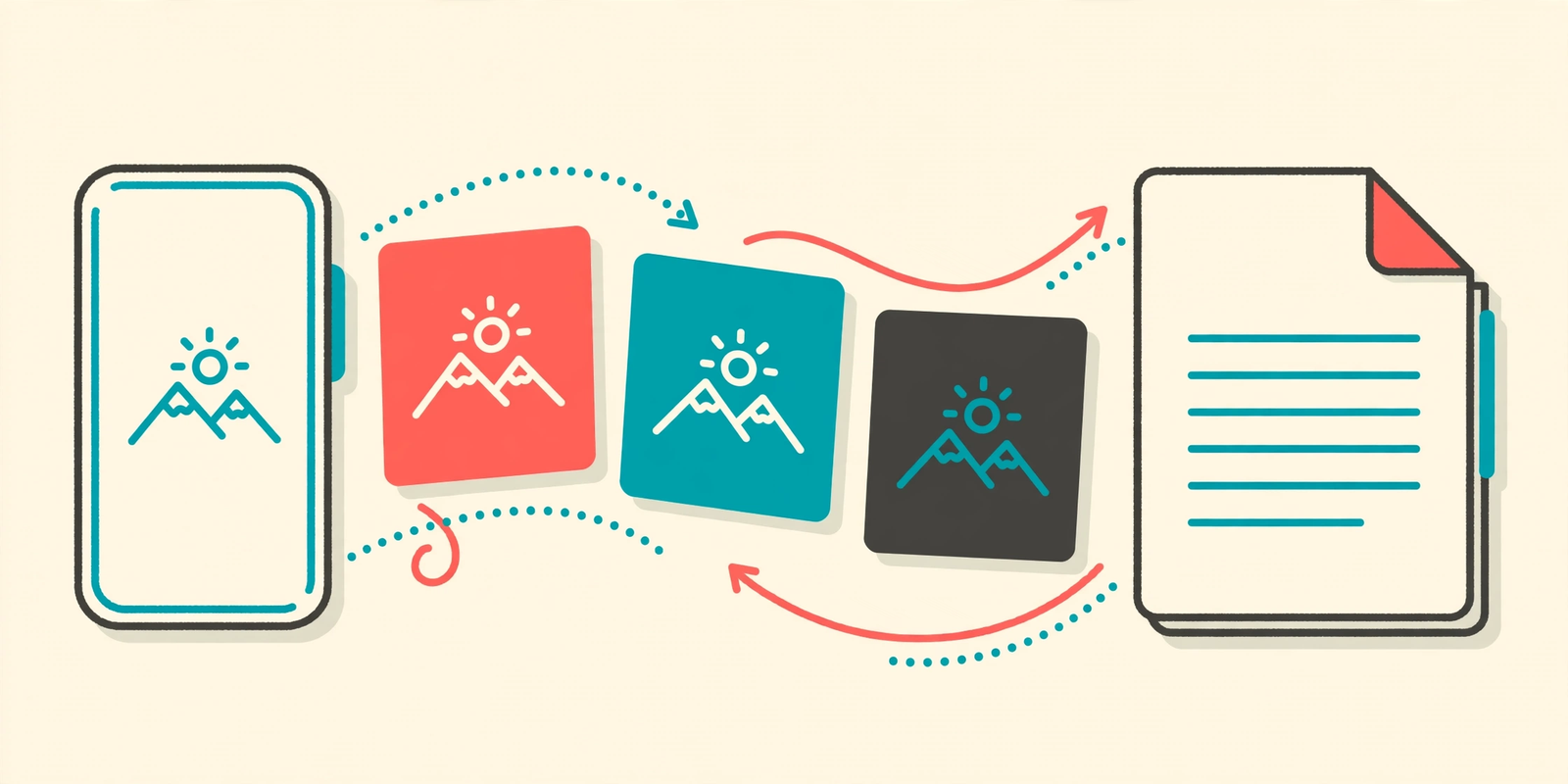
Schools are the worst for this. The assignment is due, you’ve photographed every page of your notebook, and then the portal cheerfully announces: PDF only. Photos not accepted.
Why does every office form on earth want a PDF?
Offices, banks, universities, they all say the same thing. Your phone, meanwhile, saves everything as a JPG, and it has absolutely no intention of helping you bridge that gap. So you end up hunting for a tool at the exact moment you don’t have time to hunt for one.
Here’s the honest shortcut. You don’t need an app. You don’t need to register for anything. You just need to turn the images you already have into one PDF, and thankfully that takes about a minute once you know where to click.
The quick way (the only way we bother with)
Open the JPG to PDF converter here on PDFQuora. It runs right in your browser, so it works the same on your phone, a tablet, or whatever laptop is nearest.
Tap the upload button and pick your images. Gallery, camera folder, downloads, wherever the photos landed, that’s fine. Drag and drop works too if you’re on a computer.
Got more than one page? Add them all. Every image becomes a page, in the order you put them in, so a maths assignment shot page by page comes out the other end as one tidy document instead of nine loose photos named IMG-something.
Glance at the order before you convert. Page three sitting before page one is the sort of thing teachers do notice. Rearranging now takes seconds; fixing a finished PDF later is a small headache nobody needs.
Then hit Convert, wait a few seconds, and download your file. That’s genuinely it. No signup wall at the end, no watermark stamped across your document, no “your free trial starts now” trap. We hate those as much as you do.
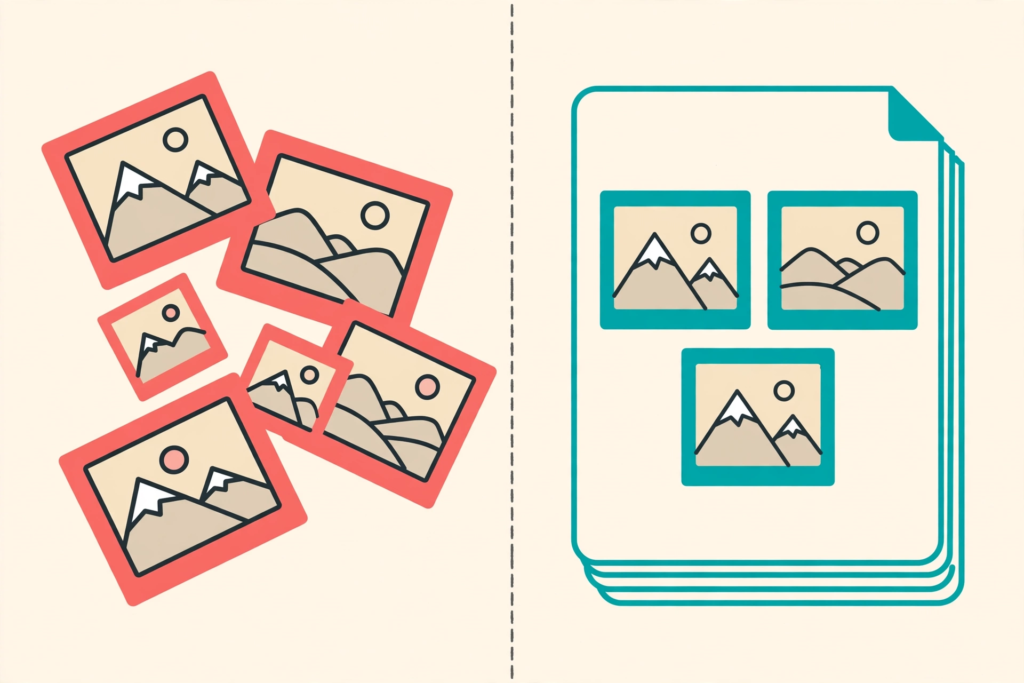
Before
Six neat homework pages sitting as loose JPG photos in a phone gallery, while the school app would only accept a PDF
After
One tidy PDF with each photo as its own page, in the right order, sorted out in about five minutes
Little things that save you a second attempt
One photo nearly always causes trouble: the sideways one. You snapped a page quickly, the phone saved it lying on its side, and if you convert it like that, your teacher gets to rotate their head, or their screen, to read it. Rotate it in your gallery first. Ten seconds now saves an awkward resend later.
Blurry photos are the other classic. A dim room and a shaky hand turn handwriting into grey soup, and no converter can invent detail that never got captured. Stand near a window, hold the phone with both hands, tap the page to focus. Night and day difference, honestly.
And use the original photo, not the version that went through a chat app. Messaging apps shrink images to send them faster, which is fine for memes and terrible for a passport copy a bank needs to read. Go back to your gallery and upload the real file.
Oh, and name the finished PDF like a person would. “Passport-copy.pdf” or “Ahmed-Maths-Assignment.pdf” takes two seconds to type and saves you scrolling through forty downloads later wondering which final-final-v2 is the right one. Future you says thanks.
It’s not just JPGs, by the way
People hear “JPG to PDF” and assume screenshots are excluded. They’re not.
PNG files drop in just as easily, that’s the format most screenshots and saved-from-the-internet images use. So those payment receipts you’ve been screenshotting? Add them in order, one PDF, done. Chat confirmations, booking pages, marks screenshots for a dispute, same treatment. One file that’s easy to store beats a camera roll full of evidence you can’t find when you need it.
Scanned pages work too, whether they came off a proper scanner or a scanning app on your phone. If it opens as an image, it can sit in your PDF as a page.
Questions people actually ask us
Does it cost anything? No. It’s free, and the PDF you download is the finished thing, no watermark, no page limit games.
Can I really merge a whole stack of photos into one PDF? Yes, that’s the normal use. Add every page, check the order, convert once.
Will my photos look worse inside the PDF? Not if you feed it decent photos. Start with the original, full-quality image and it stays clear and readable. Feed it a twice-forwarded, compressed copy and, well, garbage in, garbage out.
What about private documents? There’s no account and you’re not asked for personal details, which is exactly how it should be when the thing you’re converting is an ID card copy or a signed form.
Going the other direction? If somebody sends you a PDF and you need the words out of it, the free PDF to Word converter turns it back into something you can edit.
Try the free tool