Somebody always wants “one PDF.”
A bank. An embassy. A school office with a portal that accepts exactly one upload. And what have you got? A folder full of separate scans. Your ID in one file. A form in another. Two statements, a photo page, something called “scan_final2.pdf” that you’re afraid to open.
The classic case, honestly. And sending all of it as six attachments is exactly as messy as it feels. One file will get overlooked. Or opened out of order. It happens constantly.
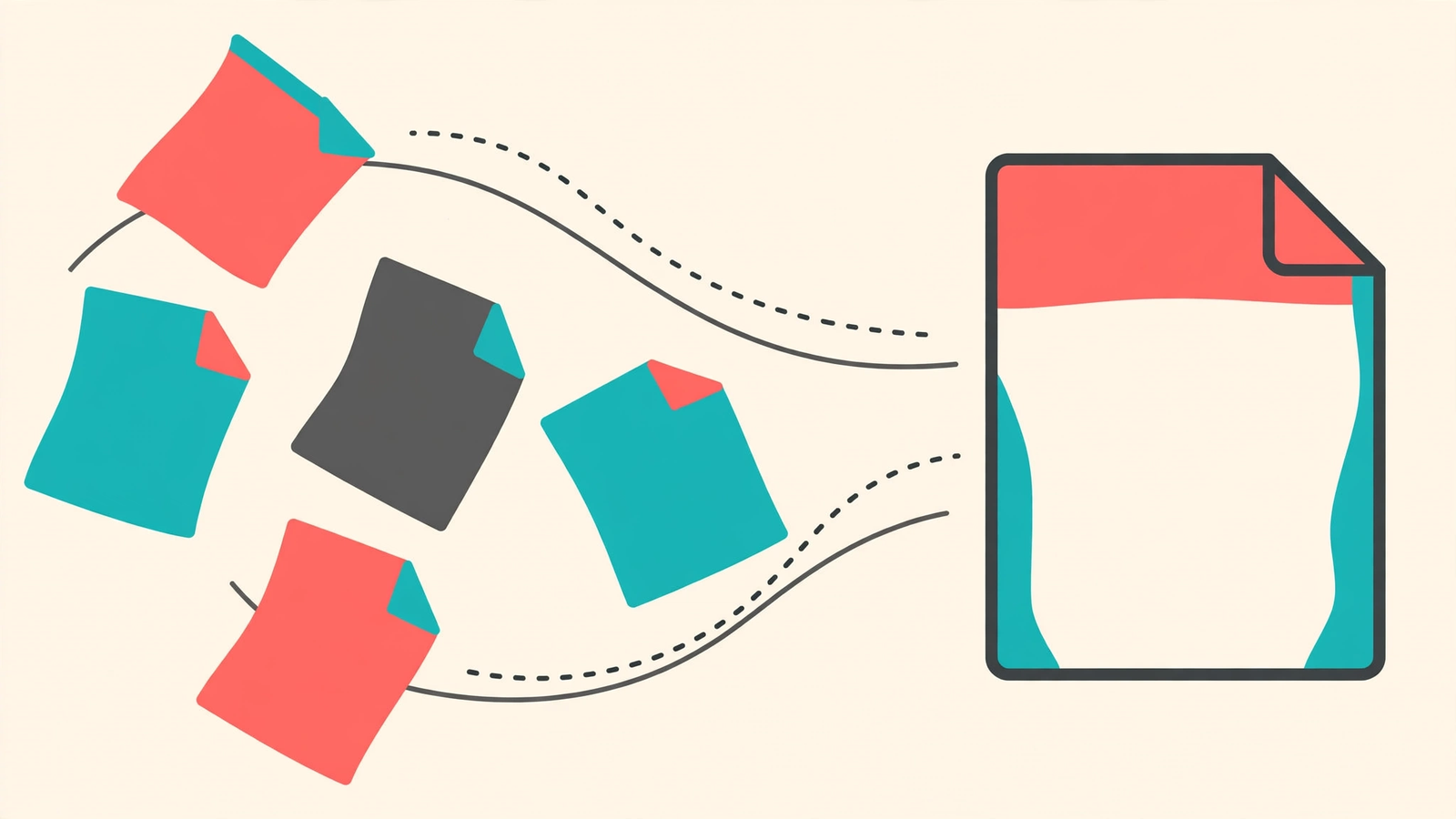
Merging is just sticking those files together into a single document, in the order you choose. Nothing technical. You don’t need to install anything, either, the Merge PDF tool on PDFQuora runs in your browser, it’s free, there’s no signup, and no watermark gets slapped across your pages. Phone, tablet, an old laptop that’s seen better days. If it opens a web page, it works.
How it actually goes
Open the Merge PDF tool on PDFQuora and add your files. Boring step. Done in seconds.
Then comes the part everyone rushes: the order.
Slow down for this bit. Readers go top to bottom, so whatever they need first has to come first. Application form before certificates. Cover letter before the CV. January’s invoice before February’s. If a file landed in the wrong place, move it now. Added something by mistake? Take it out now. Fixing the list costs you ten seconds. Redoing a document you’ve already sent costs an apologetic email and a small piece of your dignity.
Happy with the order? Merge. Wait a few seconds. Download.
One last habit, and I’d print it on the upload button if I could: open the finished file and scroll through every page before it goes anywhere. Every page. It’s how you catch the sideways scan hiding on page four.
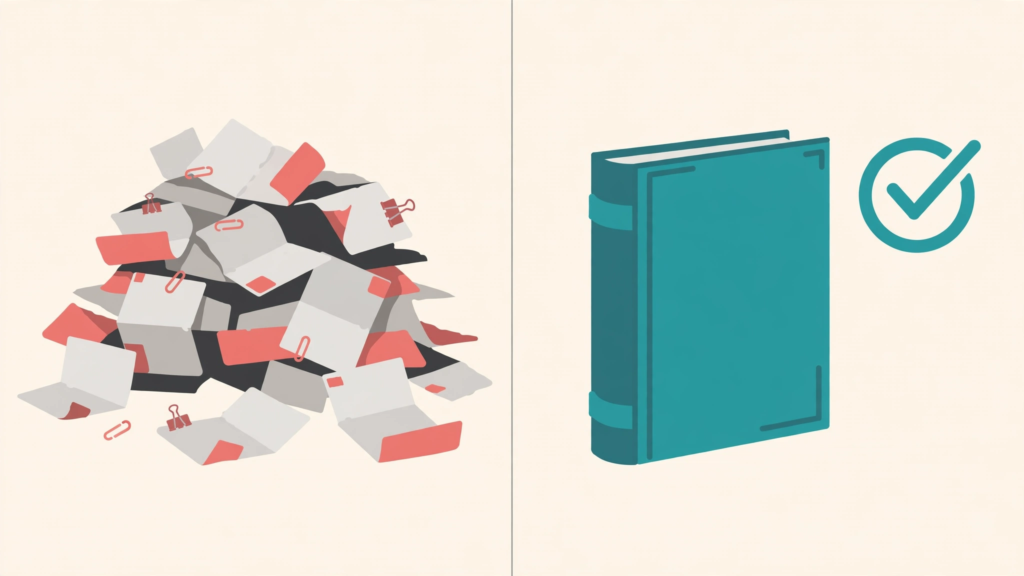
Before
A folder full of separate scans: an ID in one file, a form in another, statements and a photo page loose, six attachments in all
After
One single PDF in the order you choose, merged and checked page by page in about a minute
Small habits, noticeably better files
Rename your files before you upload them. “scan.pdf” and “scan(2).pdf” tell you nothing at midnight before a deadline, “01-form”, “02-id”, “03-statement” tell you everything. Your future self says thanks.
Keep the originals, too. Don’t bin the separate files the moment the merged version downloads. If the visa office replies asking for the form on its own (they do this, cheerfully), you’ll be glad it’s still sitting there. Storage is cheap. Panic is expensive.
And watch for blank pages. Scanners love sneaking an empty page onto the end of a batch, like a tip nobody asked for. Spot one in the list? Out it goes.
Where this shows up in real life
Visa paperwork is the big one. Page after page, each scanned on a different day, and the application wants one tidy file. The bank version is nearly identical: ID, forms, statements, all expected to arrive as one document rather than a small crowd.
Teachers live the other side of it. One student, one assignment, except the worksheets were made across a week, so they’re sitting in four separate files. Merge them before submitting and the teacher marks one document instead of going on a treasure hunt.
Freelancers, you already know. Invoice, timesheet, expense receipts, the signed page. The client asked for “the invoice pack,” singular. One merged PDF makes you look organised. Six loose attachments make you look… less organised. Even if the work itself was brilliant.
Twelve attachments on one email, who enjoys that? Nobody. Least of all the person opening them.
Questions people keep asking
Does it cost anything?
No. Merging on PDFQuora is free, there’s no account to create, and nothing gets stamped on your file.
How many files can I combine at once?
Enough for the everyday jobs, applications, assignments, a month of invoices. Got a genuinely big pile? Merge the first batch, then merge that result together with the rest. Two rounds, same ending.
Is it private?
Your files are processed so the tool can join them, and the finished PDF downloads straight to your device. One sensible rule: don’t merge sensitive documents on a shared or public computer, and always keep your own copies of the important ones.
I’m only on my phone. Still fine?
Still fine. It runs in the browser, so Android and iPhone both work. Nothing to install, nothing to update.
Send one file, get on with your day
That’s the whole trick. Next time a form, a teacher, or a client asks for “just one file,” you’ve got the answer: add the files, sort the order, merge, download, quick scroll to check. About a minute, start to finish. Then you can go back to the work that actually matters.
Try the free tool
1 thought on “How to Merge PDF Files Online for Free”